Overview
MEmilio contains several python modules offering an easy-to-use interface to the efficiently implemented C++ models and to complement these by data preparation, code generation, machine learning, or plotting functionality. Please see the individual package documentation for more details on the functionality and usage.
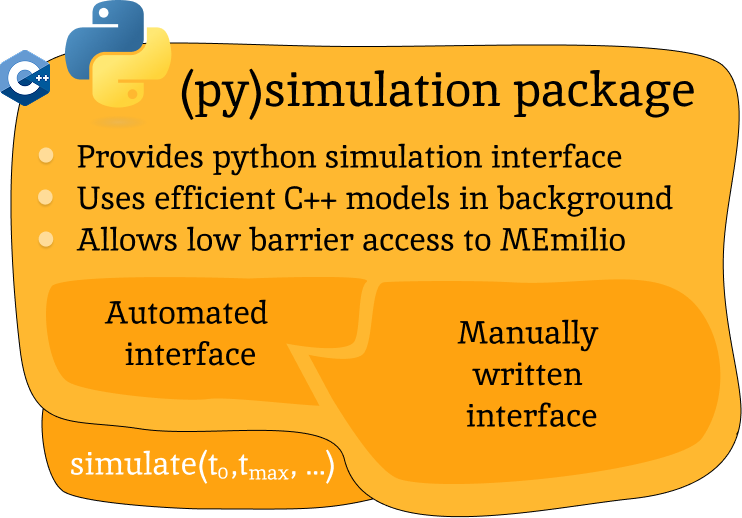
MEmilio Python Interface
This package provides a python interface for parts of the C++ main library, with the goal of exposing fast mathematical-epidemiological models to a bigger user base.
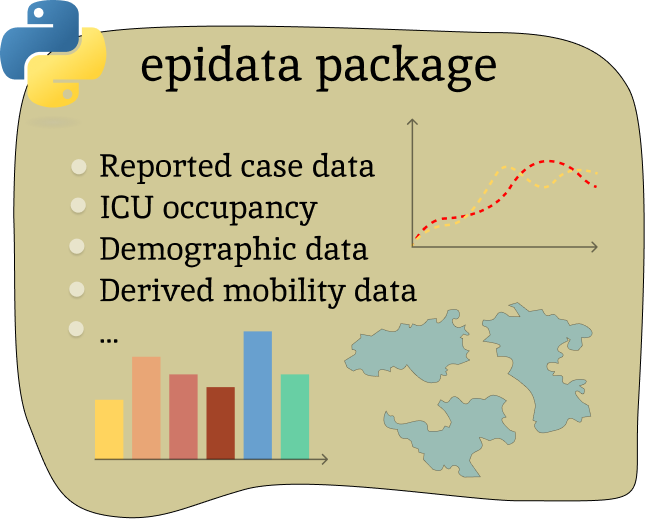
MEmilio EpiData Package
This package provides tools to download and structure important data such as infection or derived mobility data.
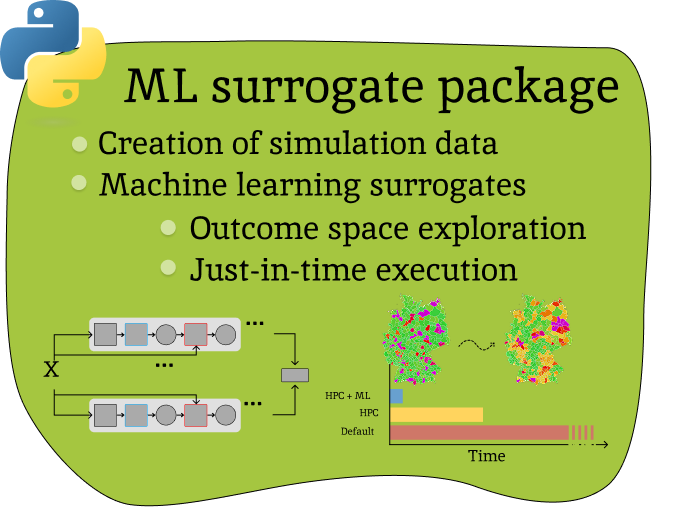
Machine Learning Surrogate Models
This package contains machine learning-based surrogate models that were trained based on the MEmilio simulation outputs.
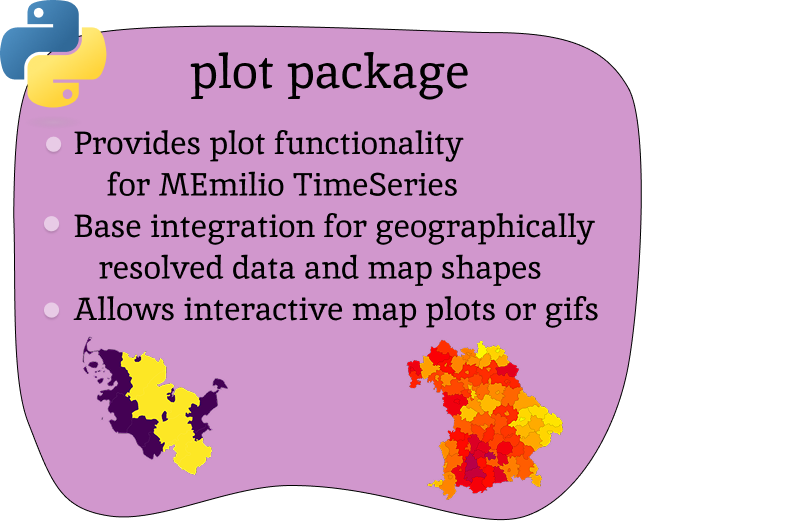
Visualization
Generalized visualization functions for MEmilio specific plots.
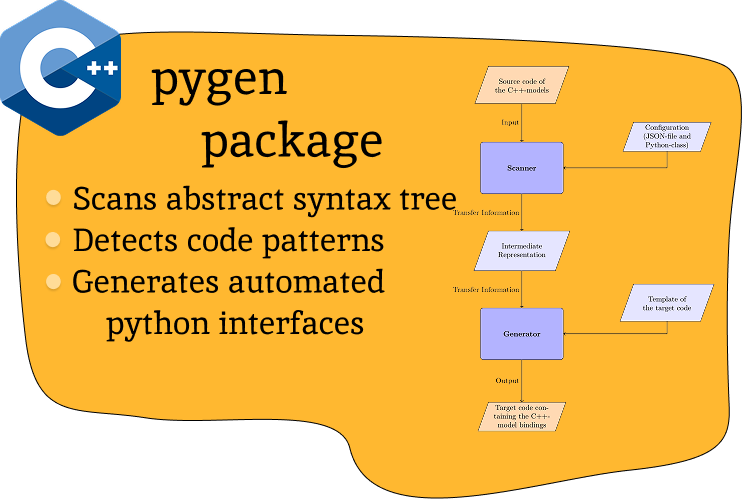
Interface Generation
Easy to use tool for helping with the creation of python bindings or interfaces to (new) C++ models.
Installation
Each package provides a pyproject.toml that installs the package and its dependencies with pip.
The dependencies of the individual packages are denoted in their documentation.
The installation can be run with the following command (from the directory containing the pyproject.toml file)
python -m pip install .
This copies the package and the required dependencies to your site-packages.
For development of code use this command instead
python -m pip install -e .[dev]
This command allows you to work on the code without having to reinstall the package after a change. It also installs all additional dependencies required for development and maintenance.
Build files for skbuild
The simulaion and generation packages use skbuild to compile python bindings or parts of the C++ library.
By default, the cmake build files are put into pycode/build/memilio-{package_name} to save on time during
package development. If you get unexpected cmake errors, you can try and delete the respective build directory. If
you do not want to store the build files at all, you can remove the build_dir entry from the section
[tool.scikit-build] in the pyproject.toml. Then skbuild will use a temporary directory instead.
Testing
Each package provides a test suite under pycode/memilio-{package_name}/tests.
To run the tests, simply use the following command inside the package folder after installation:
cd tests
python -m unittest
Coverage Report
Dependencies for coverage report:
coverage
To get the coverage report do in the package folder
python -m coverage run -m unittest
python -m coverage report
python -m coverage xml -o coverage_python.xml
python -m coverage html -d coverage_python
Coverage report for actual master:
Inspection via pylint
The following packages have to be installed to run pylint:
pylint
pylint-json2html
Run pylint with the commands in the package folder
python ../run_pylint.py
pylint-json2html -f jsonextended -o build_pylint/pylint.html < build_pylint/pylint_extended.json
From the repository root you can also target a package explicitly, for example
python pycode/run_pylint.py --package-dir memilio-plot.